
Placeholder text that sounds like architecture

A Raycast script that works like Word's =rand(), except the placeholder text is built from enterprise architecture jargon.
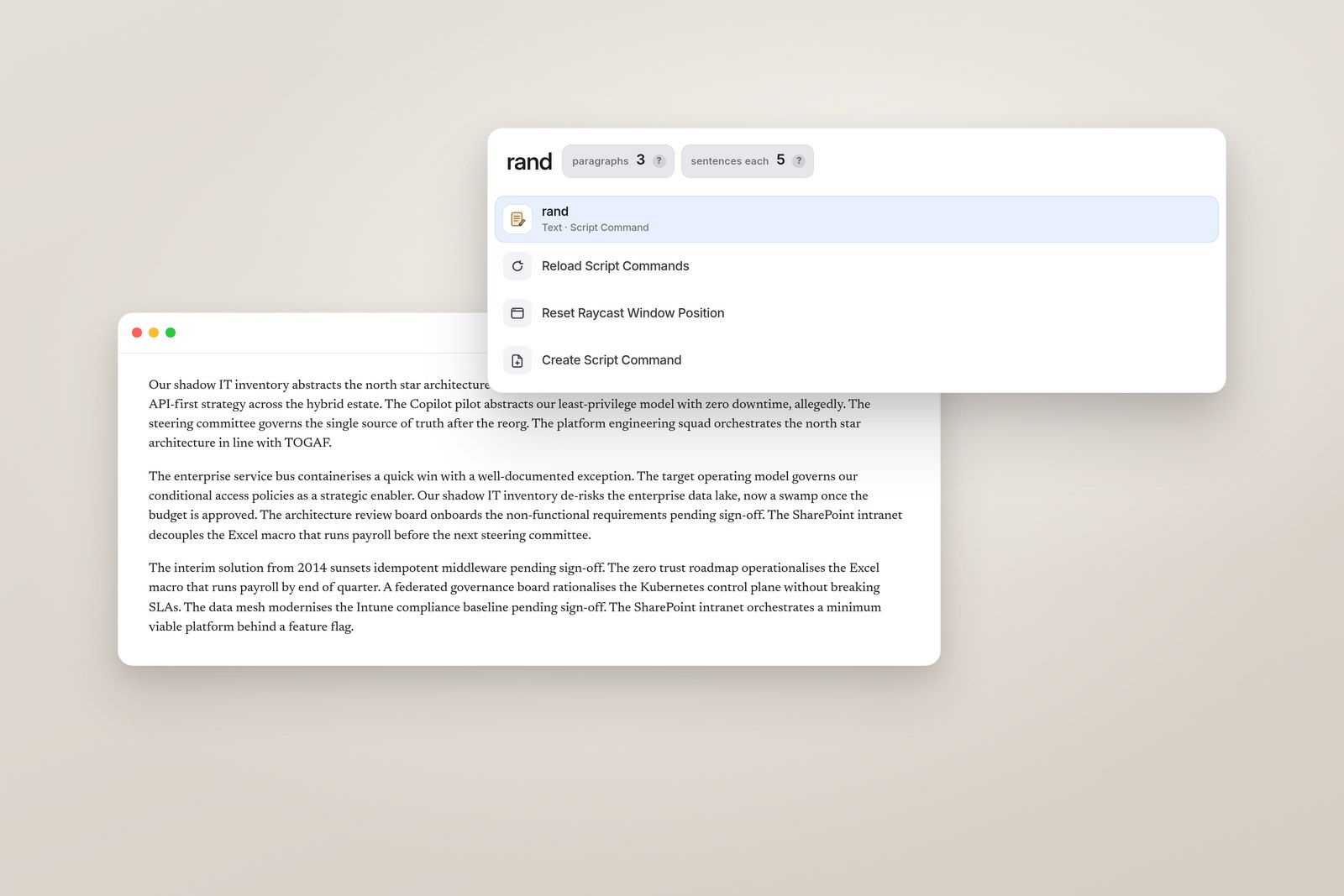
Word has a small trick I like when I need to fill a page. You type =rand(3) and it drops in a few paragraphs of placeholder text. I wanted the same thing in every other app on the Mac. And I wanted the text to sound like the papers that go to a steering committee.
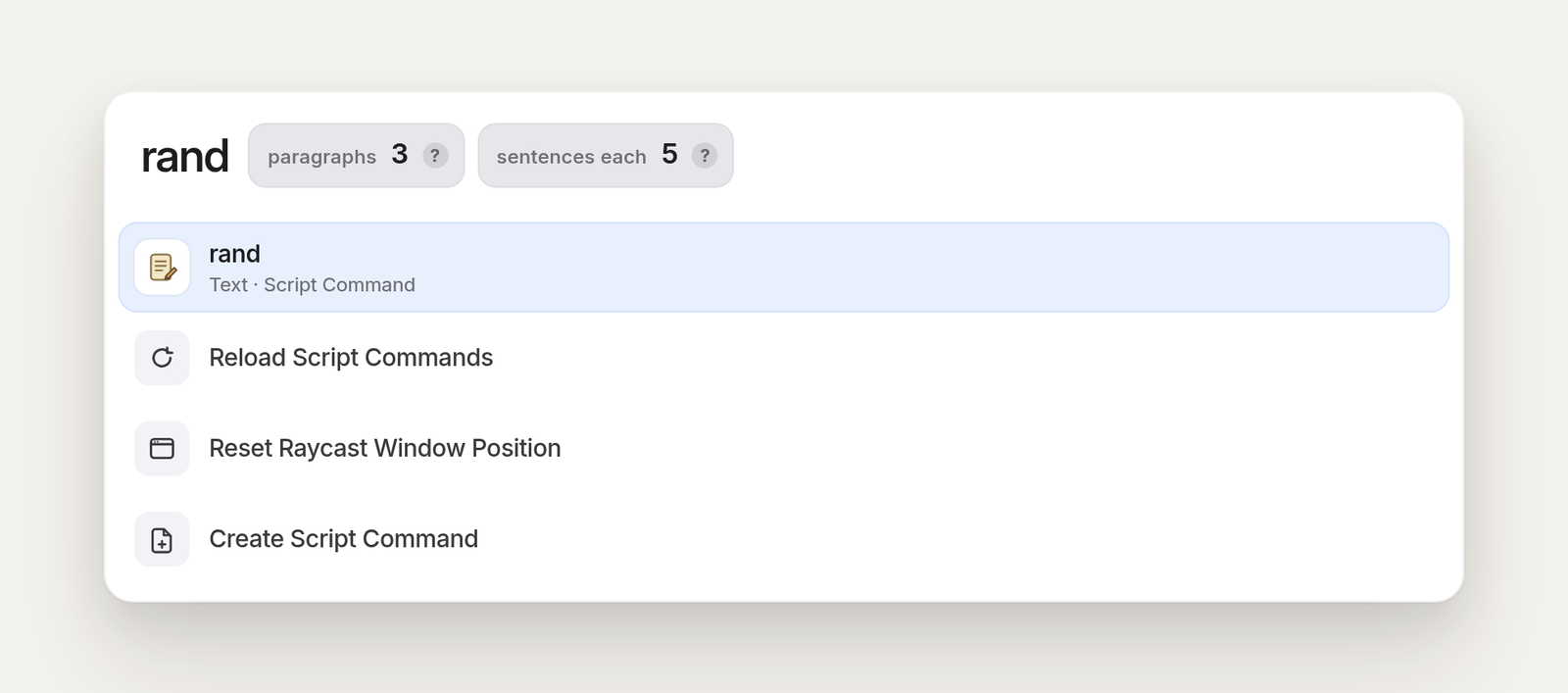
Raycast snippets couldn’t do it.1 They take arguments, but only to fill a gap in fixed text; they can’t loop or pick at random. A Script Command can, though. You type rand, a space, the number of paragraphs, and Enter. The script pastes a block of enterprise architecture sentences at the cursor.
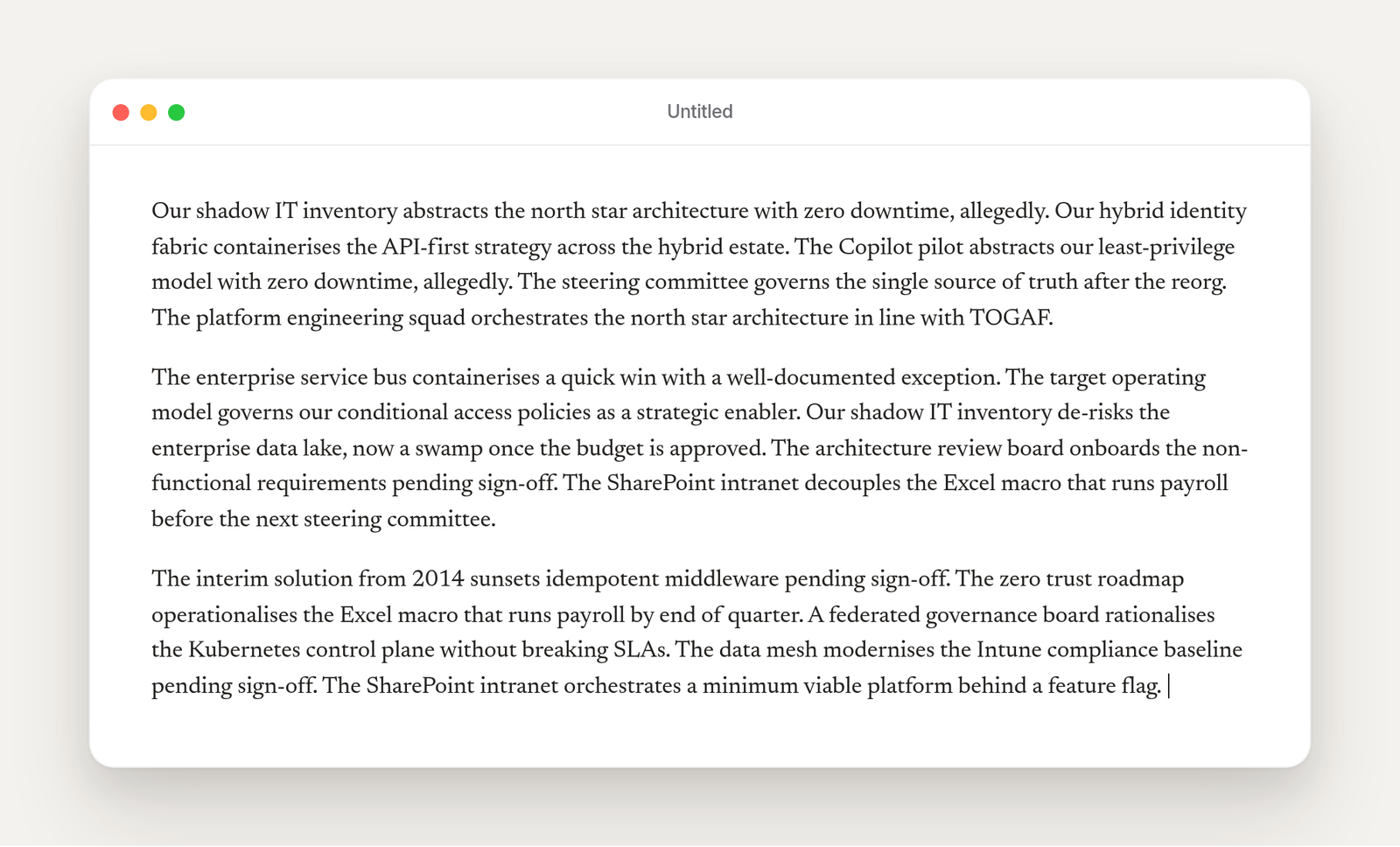
What comes out looks like this:
The SharePoint intranet decouples the Excel macro that runs payroll before the next steering committee.
The interim solution from 2014 sunsets idempotent middleware pending sign-off.
The script picks a subject, a verb, an object, and sometimes a short ending, from lists you can edit yourself. Add your own terms if you want it to sound more like your organisation. The more you add, the less it repeats.
Putting it on your Mac
The script and a short readme are in a GitHub Gist.
- Open Raycast and search for “Create Script Command”.
- Leave Template on Shell (Bash) and Mode on Silent.
- Set the title to
rand. - Leave both checkboxes unticked. The script already declares its own input fields.
- Pick a folder you’ll find again, then create the script.
- Open the file Raycast just created, replace everything in it with the contents of
rand.shfrom the gist, and save. - Search for “Reload Script Directories” and run it.
The first time you use it, macOS will ask you to give Raycast permission under System Settings, Privacy and Security, Accessibility. Allow it, then run the command again.
Using it
Click into any text field, open Raycast, and type rand. Press space, type the number of paragraphs, and press Enter. There’s a second, optional field for sentences per paragraph. If you leave both empty, you get three paragraphs of five sentences each.
This is what those three paragraphs look like once they’re pasted:
Two things to know. The script pastes by way of the clipboard, so it replaces whatever you copied before. If you use Raycast’s Clipboard History, the old item is still there. And the Accessibility permission lets Raycast control other apps, which your security team may have an opinion about on a managed Mac.
This isn’t a complaint about snippets. For text that never changes, they’re a real lifesaver, and they’re one of the features I’d miss most in Raycast. ↩︎